
Safe lock help · LA GARD (dormakaba)
Safe lock troubleshooting › LA GARD (dormakaba) › LA GARD ComboGard Pro (39E) lock
The LA GARD ComboGard Pro (39E) is the electronic lock inside the door of many safes. You cannot see the lock itself: what you touch is the keypad (an “entry device”) on the front. This guide covers the lock: how to open it, change a combination, the Manager commands (turn users on and off, set a time delay), what the signals mean, and the wrong-try penalty. For the battery, use the keypad guide that matches yours (see below).
- How to open
- Battery
- Change combination
- Signals
- Lockout
- Manager commands
- Audit
- Silent alarm, remote signals and Dual Mode
- Troubleshooting
- Manuals
Want the whole manual? Jump to the manufacturer download links.
Is this your lock?
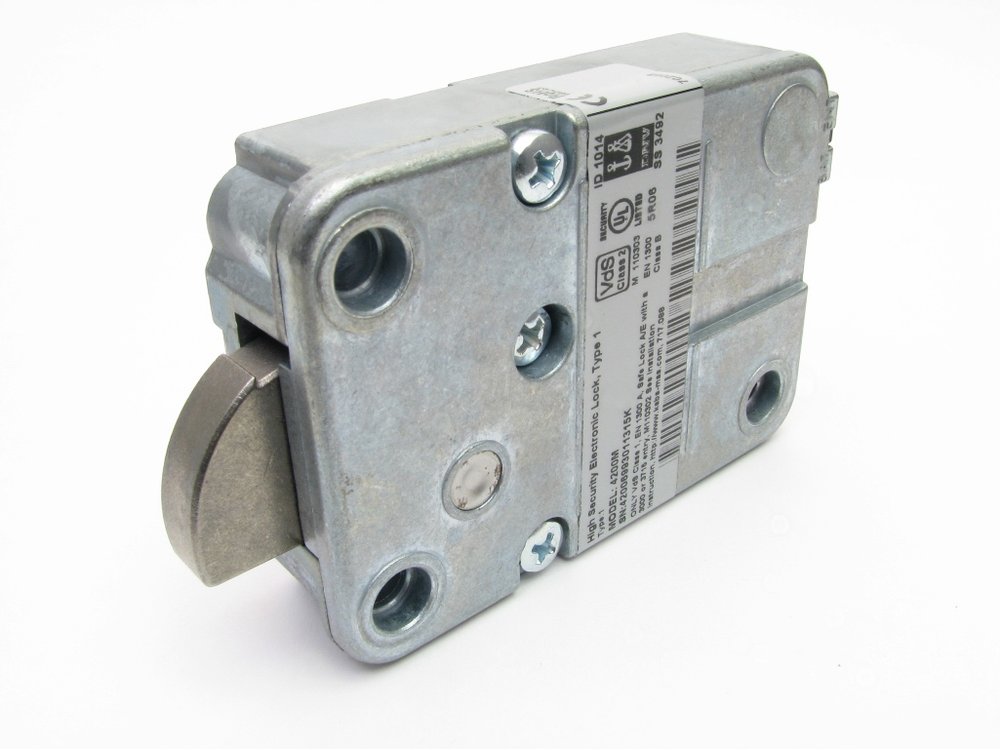
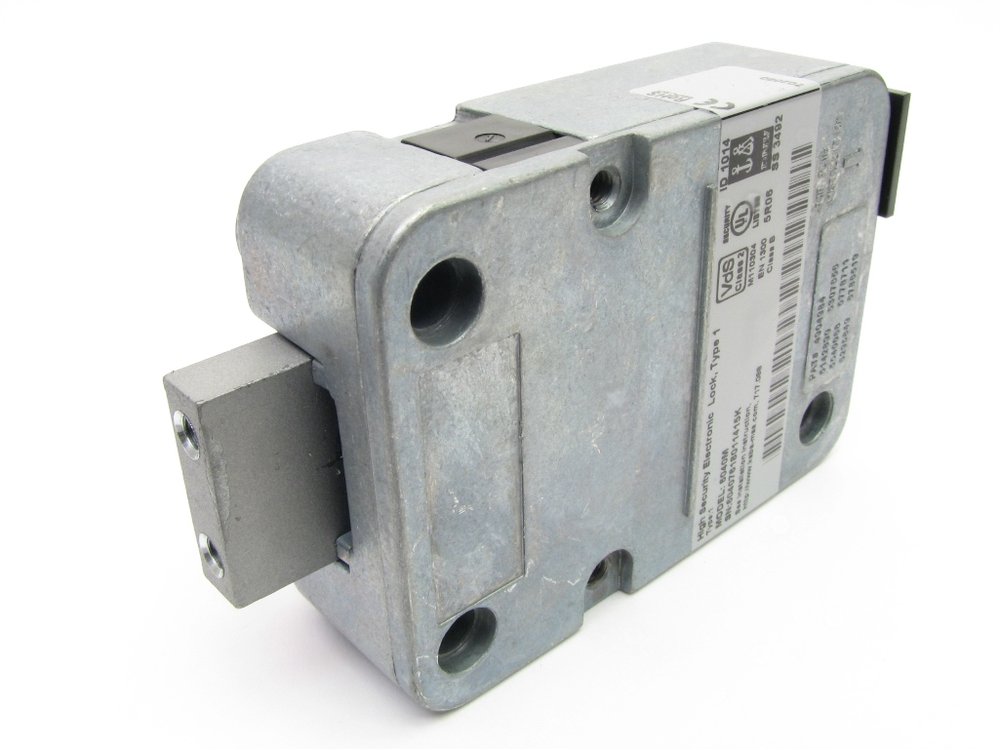
- The ComboGard Pro lock body sits on the inside of the safe door, so you identify it from the keypad on the front: a 3125, 5715, 5750, 5750-K (or, optionally, an 8130 with no LED). Those keypads are also used with other LA GARD locks, so the lock model is best confirmed from your paperwork or by calling us.
- It has one Manager and up to nine Users. The combination is six to nine digits long.
- It keeps an audit record of the last 63 events. The record is read with a PC, an interface adapter and LA GARD software, not from the keypad.
- If your lock also has a Master combination (always eight digits, and it cannot open the lock), it is an AuditGard 66E: see that guide.
- New lock: LA GARD ships it in factory default with no users and no features turned on. The installer sets it up, and the Manager combination must be changed before the lock is active.
How to open it
- Enter a valid combination.
- The keypad gives a double signal (two LED flashes and two beeps).
- Within 4 seconds, turn the handle (swing bolt lock) or turn the keypad or dial (dead bolt or spring bolt lock) to open the door.
If the lock is in Dual Mode
- Enter a User combination first.
- Then enter the Manager combination within 30 seconds.
- Open the lock within 4 seconds.
If a time delay is set
- Enter a valid combination (in Dual Mode, a User combination and then the Manager combination).
- Wait for the Delay Period to end. The LED flashes once a second during the delay.
- When the Open Period begins (the LED flashes twice a second and the keypad beeps every 10 seconds), enter any valid combination.
- Open the lock within 4 seconds.
- Time delay override: if this feature is turned on and User 9 is active, entering User 9’s combination during the Delay Period opens the lock right away.
- If you make a mistake while entering keys, wait 30 seconds and start again.
- When you close the door, check that the lock has actually secured it.
How to change the battery
The battery is in the keypad, not the lock. Replace it at least once a year with a good name-brand alkaline battery (we recommend Procell). Repeated LED flashes and beeps while the lock opens means the battery is low: replace it right away. If it gets too low to run the lock safely, any key you press gives the low-battery warning and the lock will not work until the battery is replaced.
- How you change the battery depends on the keypad. See our guide for the 5715, 5750 and 5750-K keypads, or for the 3125 keypad (in the 3000, 3035 and 3125 guide).
- The 8130 keypad has no LED and answers with beeps only. dormakaba’s lock manuals point to the entry device’s own instructions for changing its battery.
How to change a combination
Always do this with the safe door OPEN.
Test the new combination several times before you close the door. Do not use a birthday or other predictable number.
- Enter your existing combination and hold down the last digit until the lock double signals and then release. The LED stays on.
- Press 0.
- Enter your new combination.
- Enter the new combination again to confirm.
- The new combination is now active.
- Each combination (the Manager’s and every User’s) must be changed by that person at the lock.
- The lock will not accept a new combination that differs from the old one by only one digit (plus or minus 1).
- The length (six to nine digits) is chosen when the lock is set up.
- If you make a mistake, wait 30 seconds and start again.
- In Dual Mode with “User + Manager to access the Manager menu,” two combinations are needed for everything except changing a combination.
Signals
| What you hear / see | What it means |
|---|---|
| Single signal (1 LED flash, 1 beep) | The operation is complete. |
| Double signal (2 LED flashes, 2 beeps) | The entry is valid and accepted. |
| Triple signal (3 LED flashes, 3 beeps) | The entry is invalid or not accepted. |
| LED flashes once a second | The time delay (Delay Period) is running. |
| LED flashes twice a second, beep every 10 seconds | The Open Period: enter a valid combination now. |
| LED flashes every 10 seconds | The wrong-try penalty is running. |
| Repeated flashes and beeps while opening | The battery is low. Replace it right away. |
Wrong tries
Four invalid combinations in a row start a 5-minute penalty. During the penalty the LED flashes every 10 seconds, and any key you press gives three flashes and three beeps. When the penalty ends, two more invalid combinations start another 5 minutes. Wait it out, and then enter the right combination slowly.
Manager commands
Only the Manager can use these. For each one, enter the Manager combination, hold down the last digit until the lock double signals, then release (the LED stays on). If the lock is in “Dual Mode and [User + Manager] to access Manager Menu,” enter a User combination first and then the Manager combination.
- 1 – Activate or reinstate a user: press 1, enter the User number (1 to 9), then enter the new User combination twice. To reinstate a disabled user, press 1 and enter the User number. (Only users that were added during setup can be activated.)
- 2 – Disable a user: press 2 and enter the User number. The combination is saved and works again when the user is reinstated.
- 3 – Delete a user: press 3 and enter the User number.
- 7 (press and hold) – Check a user: hold 7 until it double signals twice, then enter the User number. One beep = active, two beeps = disabled, three beeps = deleted, one long beep = blocked. Press 0 to exit.
- 9 – Set or change the time delay: press 9, enter the Delay Period (two digits, 00 to 99 minutes) followed by the Open Period (two digits, 00 to 19 minutes), then enter both values again to confirm. Entering 0000 turns the time delay off.
- If a time delay is active, it can only be turned off, or the delay made shorter, during an Open Period. User 9 can only be added during an Open Period.
Audit
The lock keeps the last 63 events, and they cannot be deleted from the lock. Only the Manager can read them, with ComboGard Pro AuditView (or LgView3X) software and a LA GARD interface adapter connected to the keypad. The Manager enters the combination, then presses 7, and the keypad beeps once as the records go to the PC. dormakaba’s AuditView instructions (786.0310) have the full steps.
Silent alarm, remote signals and Dual Mode
The lock can be set up with a silent alarm (duress code), external signals and Dual Mode. These need the LA GARD alarm box or the setup software, and an installer turns them on. If you were told your lock has one of them, ask your installer or call us before you test it.
If it still won’t open
It flashes and beeps over and over when I open it
That is the low battery warning. Replace the keypad battery with a fresh alkaline one right away.
I get three flashes and three beeps
The combination was not accepted. Wait 30 seconds and try again. After four bad tries in a row you get a 5-minute penalty.
It beeped twice, but the door did not open
You have only 4 seconds after the double signal to turn the handle (swing bolt) or the keypad (dead bolt). If a time delay is set, wait out the Delay Period and then enter a valid combination in the Open Period.
The keypad does nothing
The battery may be dead, or the lock may be in the 5-minute penalty. Replace the battery with a fresh alkaline battery and try again. If it is still dead, call us.
I forgot the combination or the Manager is locked out
Please do not keep guessing. Call us and we will open the safe and sort out the lock.
Download the full manufacturer instructions
This page is a quick-reference summary. For every feature and diagram, use the official manual for your model:
- LA GARD ComboGard Pro 39E manuals (dormakaba)Manager Instructions 732.018 Rev P, Setup Instructions 731.018 and 735.028 (keypad only), AuditView 786.0310, and the entry device instructions. Hosted by dormakaba.
- dormakaba ComboGard Pro product pagedormakaba’s list of the lock’s features and entry devices.
Need a hand?
Still stuck? We can help.
Having a hard time getting into your safe? Our technicians are trained to open malfunctioning safes professionally, so your valuables can still be safely secured. Call us or stop by.
Steve’s Lock, Safe and Alarm · 3401 N. Sepulveda Blvd, Manhattan Beach, CA 90266
More lock guides
About this guide. This is an independent guide from Steve’s Lock, Safe and Alarm, a safe and lock dealer. Brand and model names belong to their owners and are used only to help you identify your lock. We are not affiliated with the manufacturers. These steps summarize the manufacturers’ own instructions; your lock may be a different version, so if anything here does not match what your lock does, follow your manual or call us. Always change codes with the safe door open, and test the new code several times before you close the door.
Steps last checked against the manufacturer documents on October 19, 2026.